
Music
Crab Beats
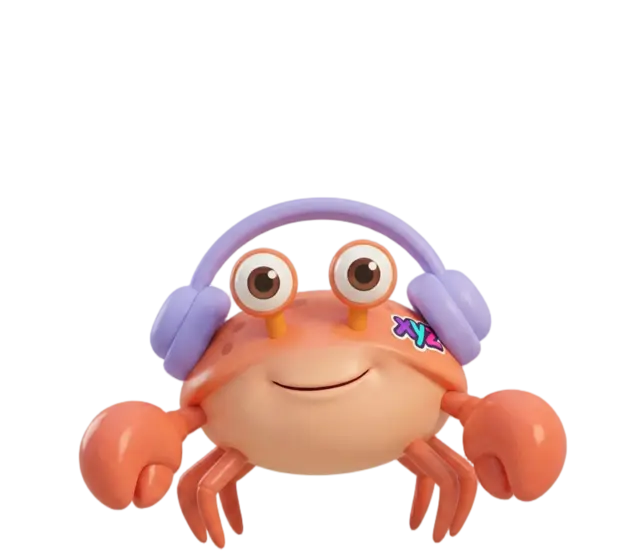
Make a dance song with Conshy Crab. Pick a chord for each box, build a beat on the drums, then press Play, drop the beat and tap the funny sounds while he dances.
Press Play
Your song
Chords Tap a box above, then a chord
Play the chords
Sound
Bass
Drums
Mixer Loudness, roll and mute for each drum
Funny sounds Tap one, or tap the crab
Crab's dance
How to play
- Each box in Your song is one bar of music. Tap a box, then tap a chord to put it there. Rest leaves the box quiet.
- The chords with a sun are bright and happy. The ones with a moon are softer and a little sleepy. Jazzy chords adds one more note to each.
- Tap the squares in the Drums rows to turn each drum on and off. Pick a kit, or start from one of the ready-made beats. Tap a drum's name to mute it.
- Open the Mixer to make a drum louder or quieter. Roll plays that drum twice as fast.
- While the music plays, press Drum fill for a drum roll, or Build and drop. The music gets higher and tighter for a bar, then everything comes crashing back in.
- Tap the funny sounds, or the number keys 1 to 9, 0, minus and equals on a keyboard. With On the beat turned on, each sound waits for the next beat.
- Press Play, or the space bar. Conshy Crab bounces on every kick, claps along and does a different dance every few bars. Pick his dance under Crab's dance.